Custom OpenAI-Compatible Providers Are Now Supported
Bring your own OpenAI-compatible endpoints and route them via LLM Gateway.
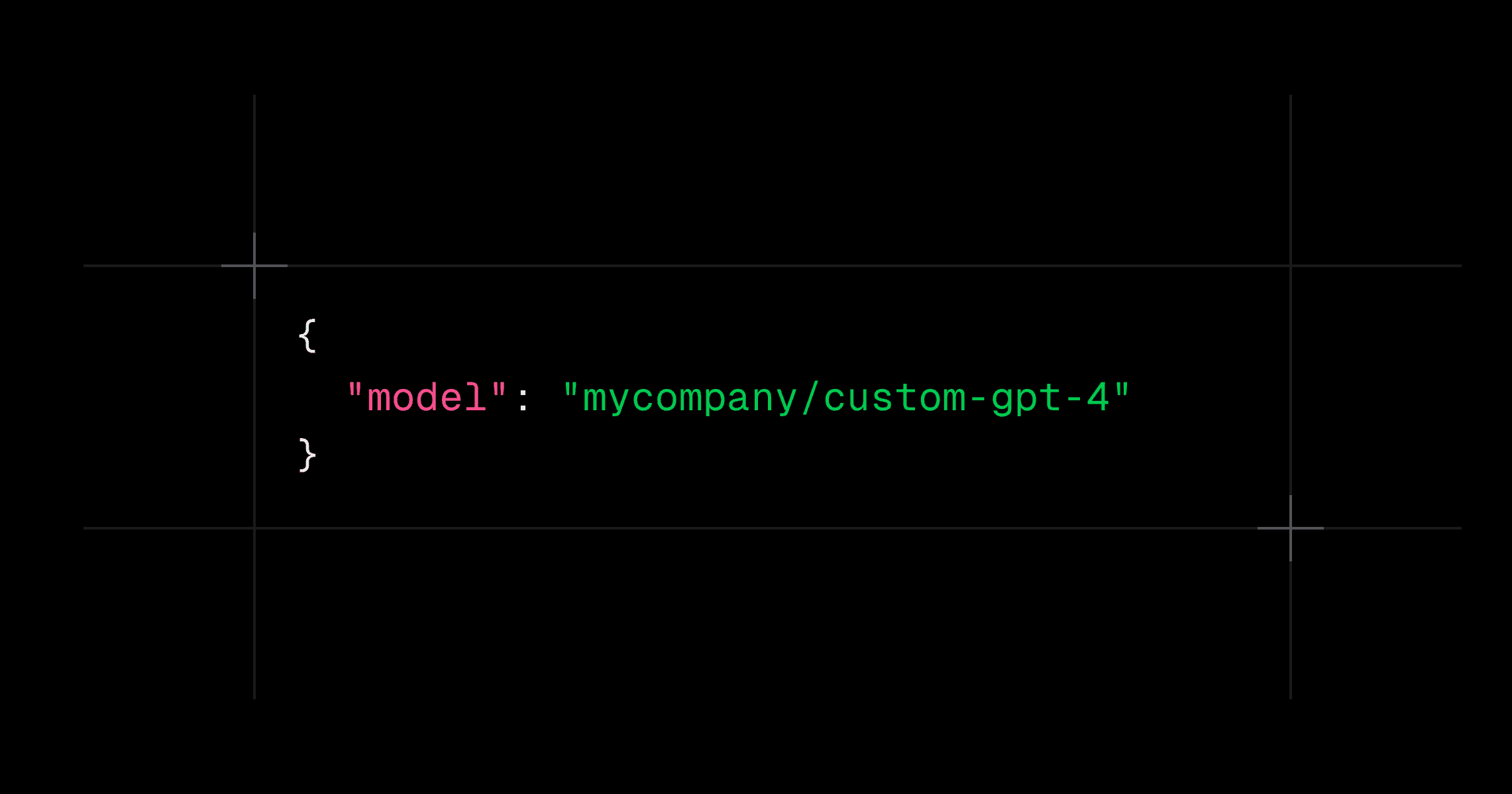
You can now register custom OpenAI-compatible providers in LLM Gateway. Perfect for internal deployments or specialized third-party APIs that speak the OpenAI Chat Completions format.
Configure a Custom Provider
Add a provider in the UI (lowercase name, base URL, and token). Then call models via {providerName}/{modelName}:
1curl -X POST "https://api.llmgateway.io/v1/chat/completions" \2 -H "Authorization: Bearer $LLM_GATEWAY_API_KEY" \3 -H "Content-Type: application/json" \4 -d '{5 "model": "mycompany/custom-gpt-4",6 "messages": [{"role": "user", "content": "Hello from my custom provider!"}]7 }'
1curl -X POST "https://api.llmgateway.io/v1/chat/completions" \2 -H "Authorization: Bearer $LLM_GATEWAY_API_KEY" \3 -H "Content-Type: application/json" \4 -d '{5 "model": "mycompany/custom-gpt-4",6 "messages": [{"role": "user", "content": "Hello from my custom provider!"}]7 }'
Requirements include a lowercase provider name and a valid HTTPS base URL. See details in the docs: Custom Providers.