How to Self-Host LLM Gateway
Deploy LLM Gateway locally or in the cloud using our unified Docker image or split services.
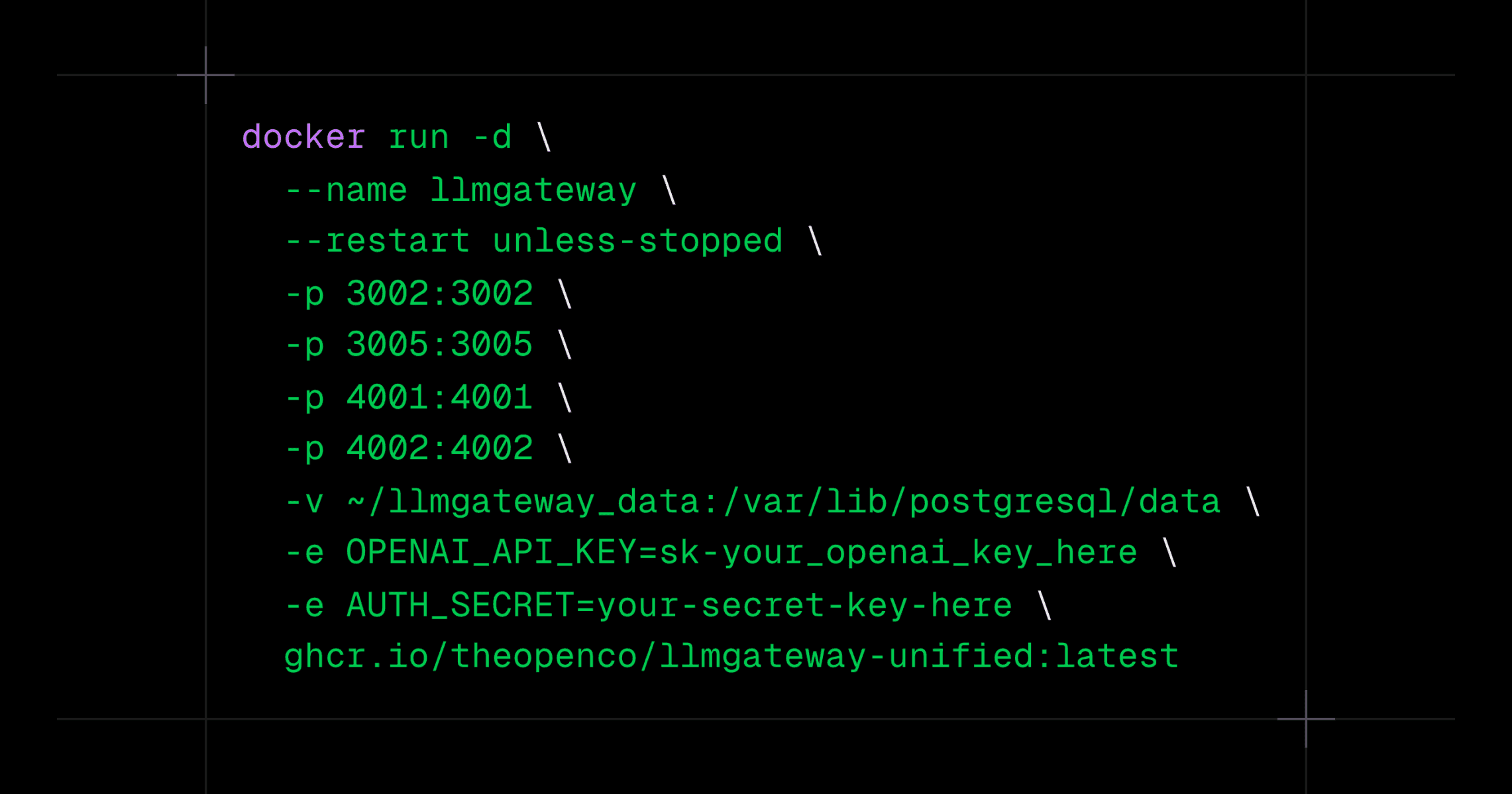
Option 1: Unified Docker Image (Easiest)
1docker run -d \2 --name llmgateway \3 --restart unless-stopped \4 -p 3002:3002 -p 3003:3003 -p 3005:3005 -p 3006:3006 -p 4001:4001 -p 4002:4002 \5 -v ~/llmgateway_data:/var/lib/postgresql/data \6 -e AUTH_SECRET=your-secret-key-here \7 ghcr.io/theopenco/llmgateway-unified:latest
1docker run -d \2 --name llmgateway \3 --restart unless-stopped \4 -p 3002:3002 -p 3003:3003 -p 3005:3005 -p 3006:3006 -p 4001:4001 -p 4002:4002 \5 -v ~/llmgateway_data:/var/lib/postgresql/data \6 -e AUTH_SECRET=your-secret-key-here \7 ghcr.io/theopenco/llmgateway-unified:latest
Prefer pinning the image to the latest release tag. You can also run it via Docker Compose.
Option 2: Split Services via Docker Compose
1git clone https://github.com/theopenco/llmgateway.git2cd llmgateway3cp .env.example .env4# edit .env5docker compose -f infra/docker-compose.split.yml up -d
1git clone https://github.com/theopenco/llmgateway.git2cd llmgateway3cp .env.example .env4# edit .env5docker compose -f infra/docker-compose.split.yml up -d
Access
- Web: http://localhost:3002
- Docs: http://localhost:3005
- Admin: http://localhost:3006
- API: http://localhost:4002
- Gateway: http://localhost:4001
See the full guide: Self Host.